Example templates
Every ZIP here uploads as-is through the template library, so the
quickest way to learn a technique is to upload the example, assign it to a test room, and
read its files in the Template Editor. The examples bind the
system fields (room, title, the time helpers); where one also shows a demo-only custom
field such as presenter_name, replace it with your own JSON value or remove it.
Starting point
| Download | What it is |
|---|---|
| Base Template | The empty template every other one starts from: required files, black body, the .your-content working area — see Getting started with templates |
Data binding and layout
| Download | What it shows | Page |
|---|---|---|
| Basic JSON Values | data-field for plain values and for an array with a row template |
Displaying JSON values |
| Conditional JSON Values | data-condition keeping only speakers with a given role |
Displaying JSON values |
| Template with Background Image | A full-screen background image on .your-content |
Background and banner images |
| Template with Top and Bottom Banner Images | Fixed-height banner strips above and below the content | Background and banner images |
Upcoming items
Six templates built on the upcoming items container.
Templates 1 and 2 list the next three items of the whole schedule (data-upcoming-scope="all"),
3 to 5 the next three of today; 6 is a gap template that lists tomorrow's sessions after
the last one of the day and keeps them on screen across midnight
(Show tomorrow's schedule in the last gap).
-
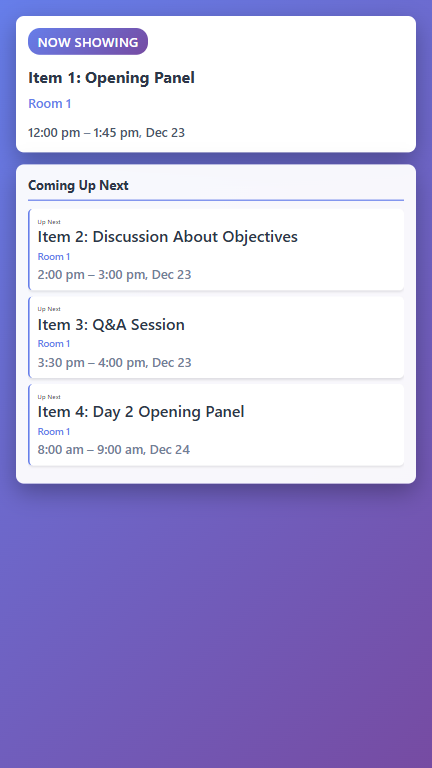
Template 1 — next three, whole schedule
-
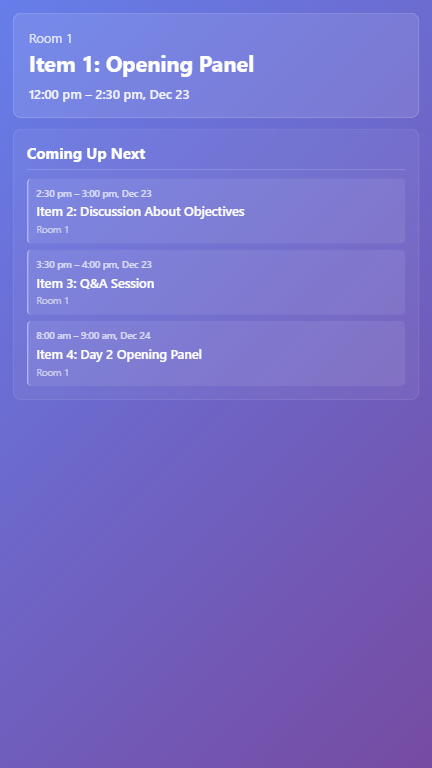
Template 2 — next three, whole schedule
-
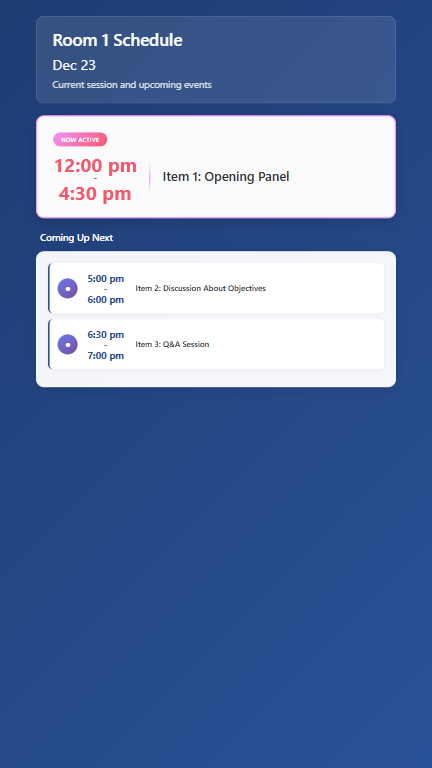
Template 3 — next three today
-
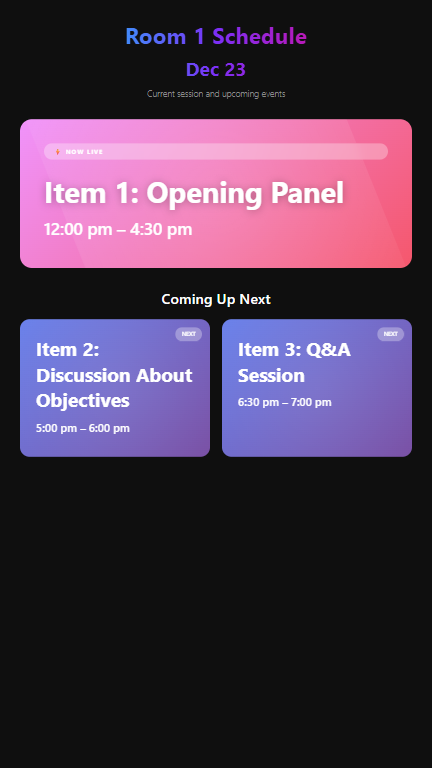
Template 4 — next three today
-
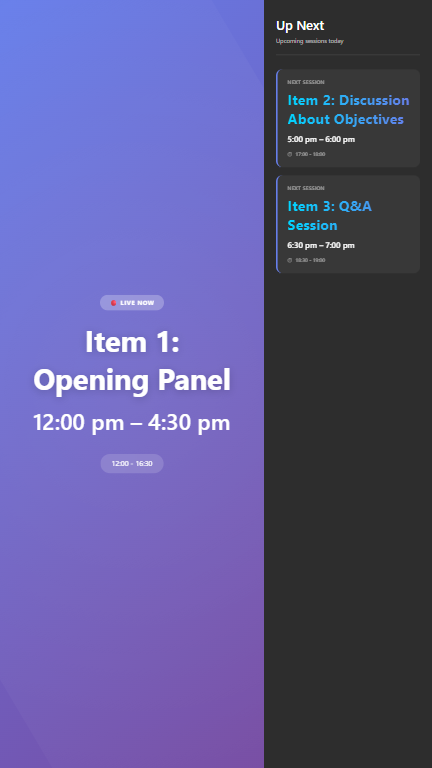
Template 5 — next three today
-
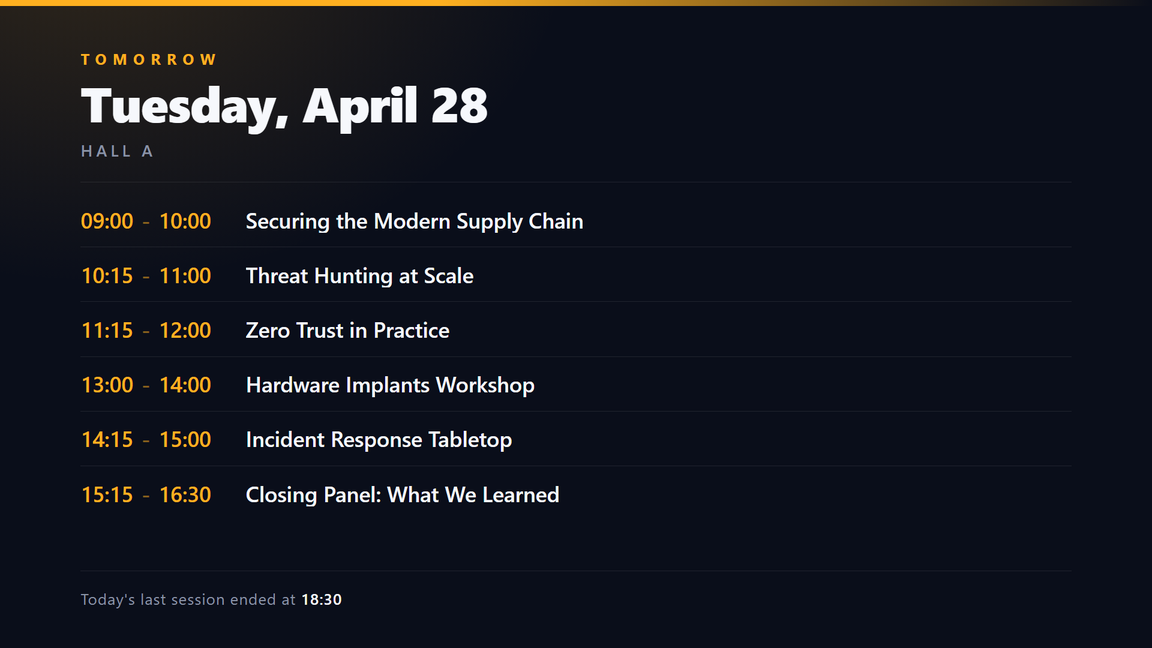
Template 6 — tomorrow's schedule in the last gap
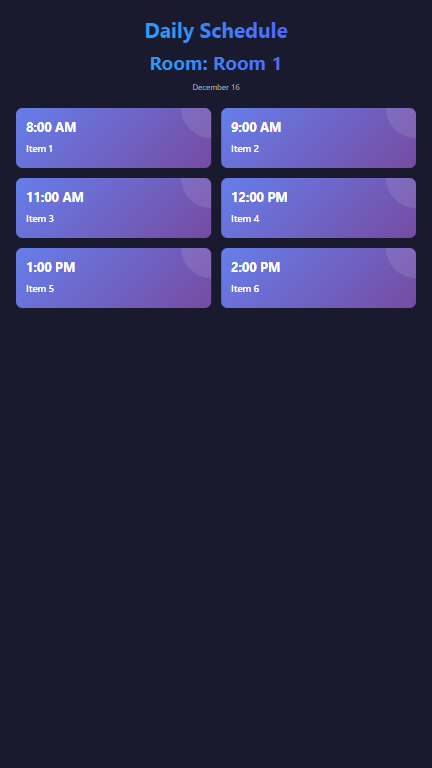
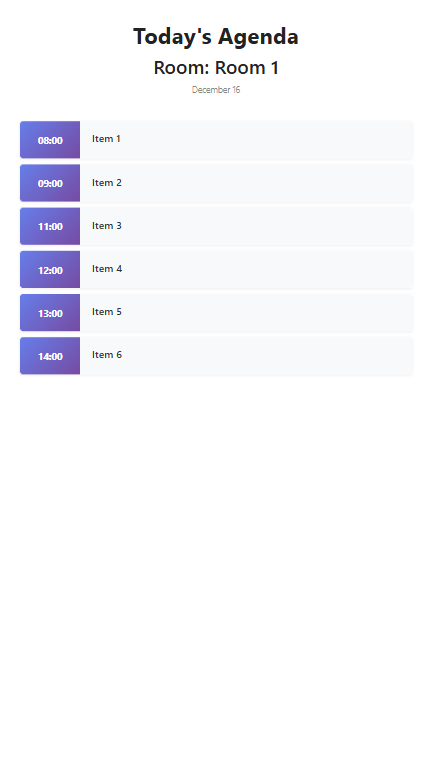
Daily schedule
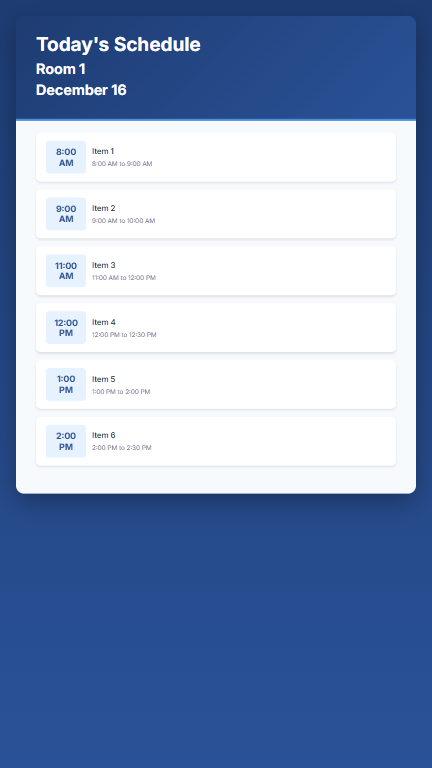
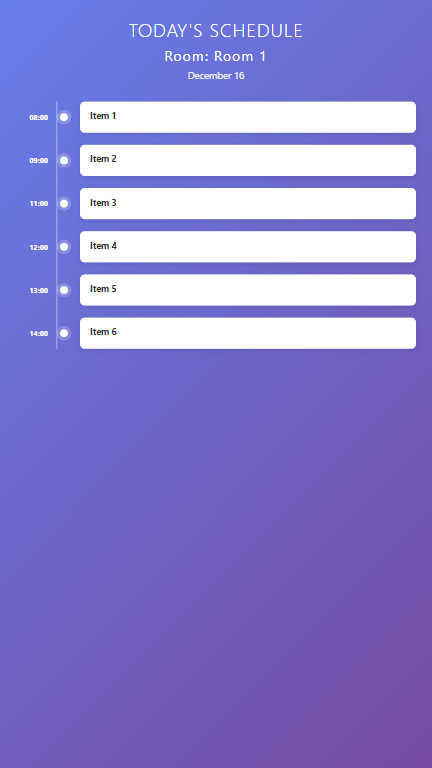
Four templates built on the daily schedule container, from a plain list to a timeline with the active session highlighted.
JavaScript
Three small templates that demonstrate the lifecycle API end to end; each is described on Template JavaScript best practices.
| Download | What it shows | Page |
|---|---|---|
| Time-Based Layout Override | A coffee-break layout during a fixed time window, polled with ctx.setInterval |
Time-based layout override |
| Live Clock and Session Countdown | A ticking clock and a countdown to the session's end, reading a bound field with a MutationObserver |
JavaScript patterns and pitfalls |
| Rotating Announcements Banner | A banner cycling through announcements with ctx.state and ctx.setTimeout |
Looping templates for the CSS-only version |
Event scoped
Two complete, commented event scoped templates for a
virtual room. Both read every room through data-event-timeline, keep only the items whose
type is Arsenal, and split the track_1 === 'Arsenal Lab' rows out as a highlight —
replace those two field names and values with the ones your source sends. The source data
they expect is the item JSON of any API or Excel event that carries such a type and
track_1 field; a room with no matching items simply contributes no rows.
| Download | What it shows | Page |
|---|---|---|
| Event Scoped - Filtered Arsenal Overview | Landscape: one highlighted Arsenal Lab row, the other Arsenal sessions as a list, a room summary and a session count maintained by a lifecycle-safe script that re-syncs on preseria-content-updated |
Filtering rows |
| Event Scoped - Filtered Arsenal Portrait Grouped | Portrait (1080 × 1920): the same filter, with the non-Lab sessions regrouped by shared time range in script.js from a hidden source list, and empty-state notes per section |
JavaScript in event scoped templates |